TOWSON WEATHER
75° - 53°, Partly sunny.

* Let's open up Adobe Photoshop & Dreamweaver
Project #1 examples:
1- tigerweb.towson.edu/eriesn1/real-gallery/index.html
2- tigerweb.towson.edu/along36/PJ1/index.html
3- tigerweb.towson.edu/jabdin1/project_1/index.html
- How the web works
NOTE: do not email me with a URL Address that looks like this:
file:///Users/ryan/Documents/www/fall2026/week4.html
Please email me w/ URL Addresses that look like this:
https://tigerweb.towson.edu/yseri1/yolouseri/index.html
- UPLOADING
(Review) HTML5 basics
Google fonts (fonts.google.com)
ID vs. Classes: htmldog.com
div tags:
<div id="nav">
*** CSS Positioning & other fun stuff:
*z-index
CSS POSITIONING
Positioning: W3schools
MORE CSS:
*Fixed Full-height "Side Nav"
(Vertical Fixed)
- <ul>
& <li>
- Navigation bars
- CSS OPACITY AND TRANSPARENCY
- CSS Class and ID
- CSS Navigation
***External Style Sheets
<link href="proj1.css" rel="stylesheet" >
styling links
a:link {color:#FF0000;}
h1{
background-color:#CC0;
padding:.5em;
text-align:center;
}
/*this is a comment in CSS code */
talk about Project #1
Center divs using CSS:
#wrap{
text-align:left;
max-width:1000px;
min-width:600px;
margin-left:auto;
margin-right:auto;
width:60%;
background-color:white;
padding:10px;
}
****changing the background with CSS
html{
height:100%;
overflow-y: scroll;
background: url(bg.png) no-repeat center center fixed;
-webkit-background-size: cover;
-moz-background-size: cover;
-o-background-size: cover;
background-size: cover;
}
.zoom img{
transition: transform .2s;
margin: 0 auto;
}
.zoom img:hover {
-ms-transform: scale(1.5);
/* IE 9 */
-webkit-transform: scale(1.5);
/* Safari 3-8 */
transform: scale(1.5);
}
.gal img{
padding:10px;
text-decoration:none;
}
.gal .opac img {
opacity: 0.5;
}
.gal img:hover {
opacity: 1.0;
}

.logo{
float:right;
position:relative;
top:-50px;
left:20px;
}
.logo img{
border-radius: 50%;
}
.nav1{
width:100%;
background-color:black;
color:#C4C4C4;
height:28px;
font-size:15px;
font-weight:bold;
padding-top:3px;
}
.nav1 a:link{
padding:5px;
padding-left:10px;
background-color:black;
color:#C4C4C4;
text-decoration:none;
-webkit-transition: 1.5s ease-out;
-moz-transition: 1.5s ease-out;
transition: 1.5s ease-out;
}
.nav1 a:hover{
background-color:white;
color:#5135FF;
text-decoration:none;
-webkit-transition: 1.5s ease-in;
-moz-transition: 1.5s ease-in;
transition: 1.5s ease-in;
}
HOMEWORK:
Keep working on Project #1
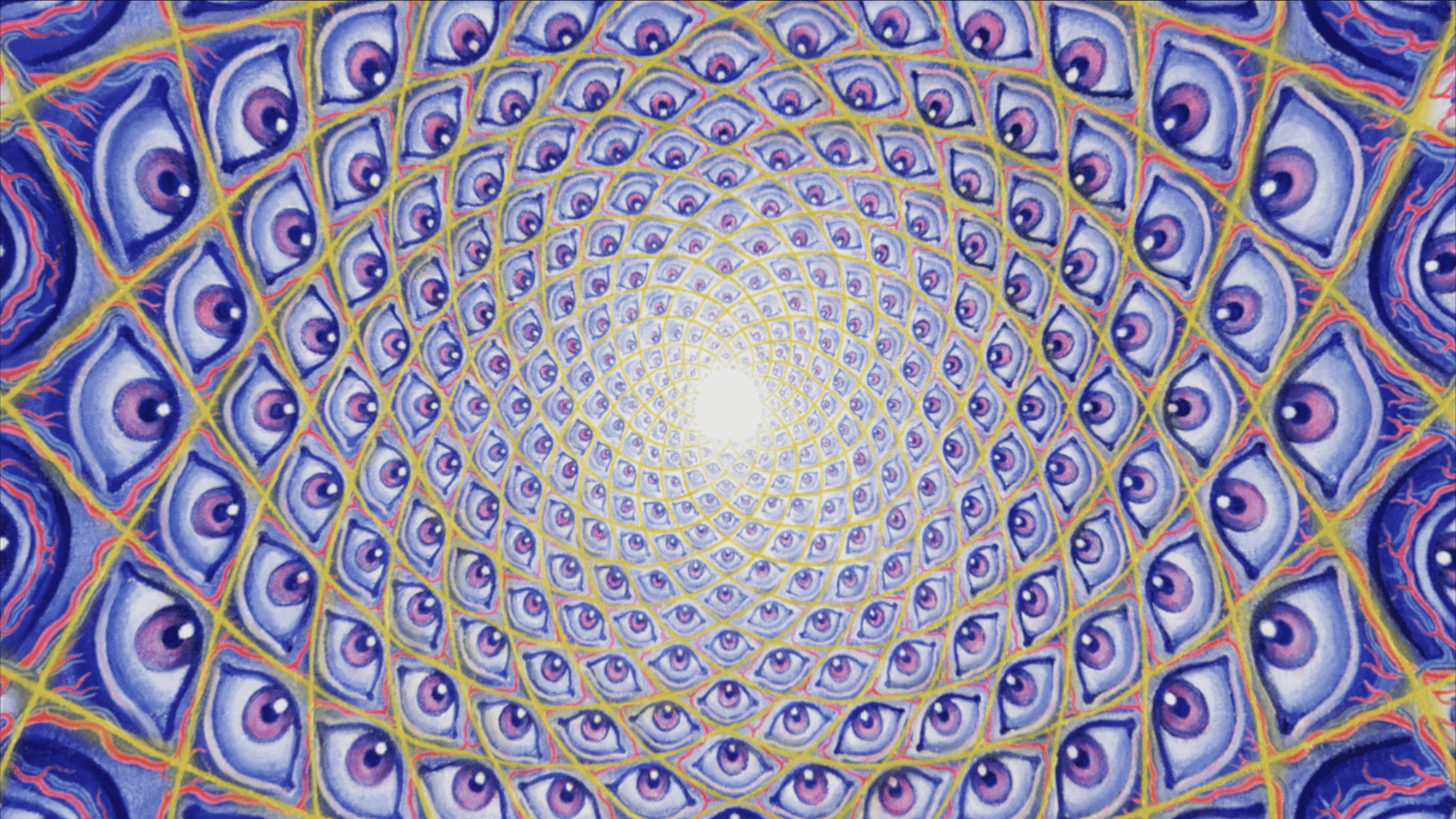
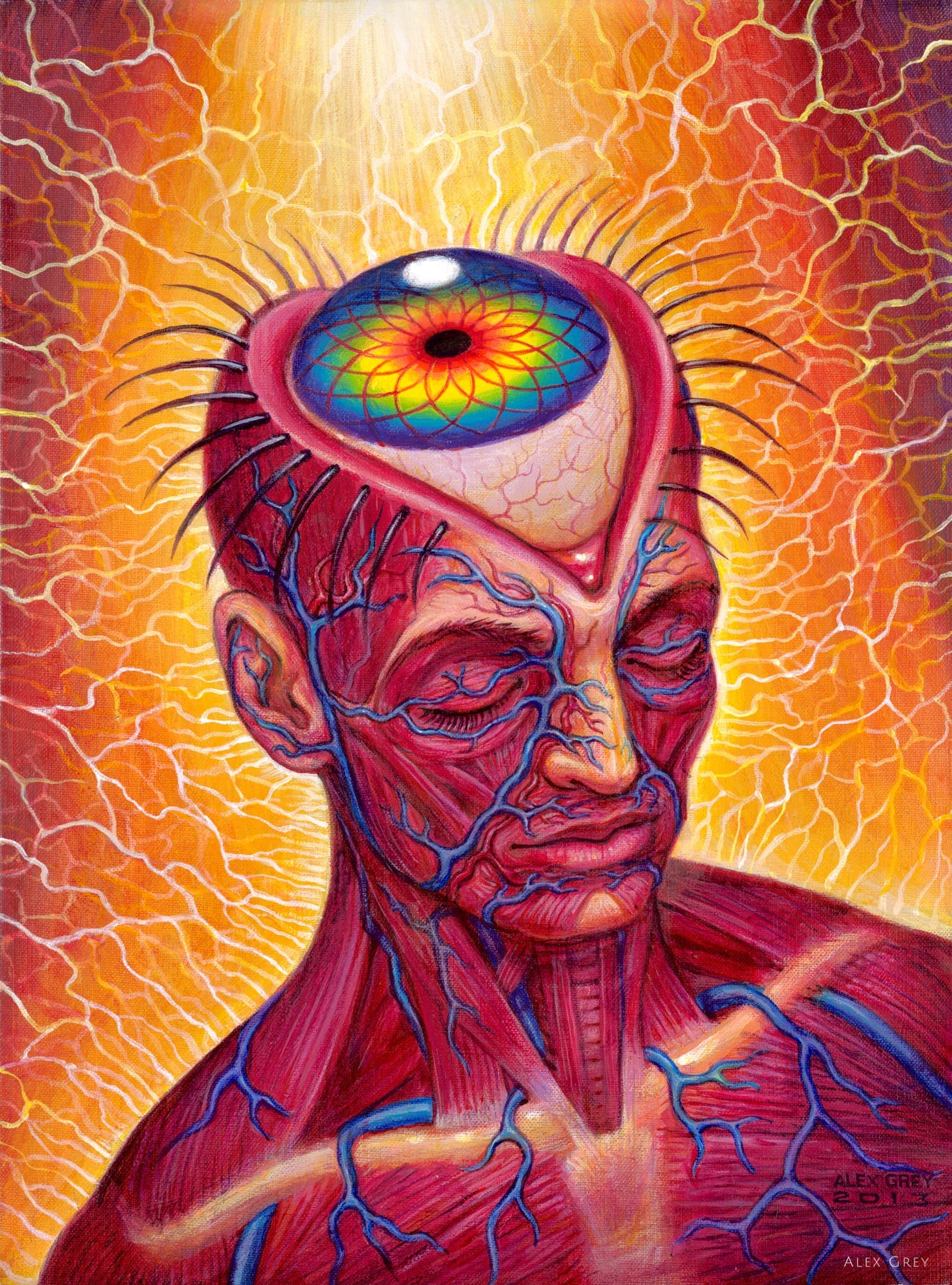
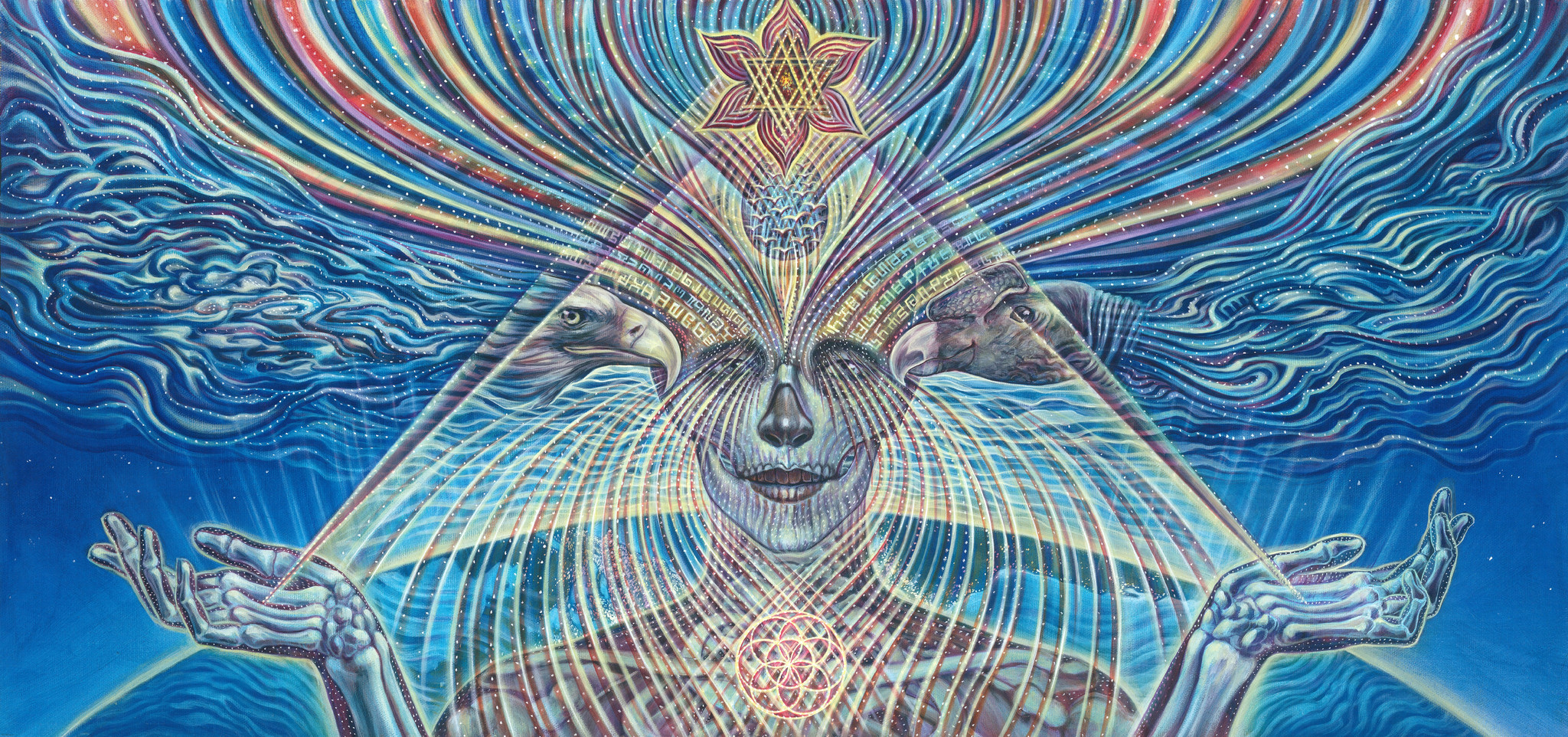
*Come up with an idea, and a title for the Art Exhibition
NOTE: try to think of a group of artists, no "Solo Shows"
*Please have some (approximately 10) images to work with.
You could also find a video or two (on YouTube or Vimeo).
When planning your CSS styles, start by coming up with a limited color palette.
Think about how the overall color scheme can complement the artwork that you will be displaying on the webpage.
Remember...
Required materials for this class:
(1) a flash drive or hard drive: 2GB or more
(some external device to store your work on)
(2) *Personal Web Space (Towson user accounts are fine)
(3) a sketchbook, something not too big, about 8x10 inches
(for notes and sketches)
(4) something to write & make drawings with